

Instant Download
Easy to Use
Trusted by 5000+ Creators
Tutorial Inclulded
Instant Download
Easy to Use
Trusted by 5000+ Creators
Tutorial Inclulded
Instant Download
Easy to Use
Trusted by 5000+ Creators
Tutorial Inclulded
Instant Download
Easy to Use
Trusted by 5000+ Creators
Tutorial Inclulded
Instant Download
Easy to Use
Trusted by 5000+ Creators
Tutorial Inclulded
Instant Download
Easy to Use
Trusted by 5000+ Creators
Tutorial Inclulded
Instant Download
Easy to Use
Trusted by 5000+ Creators
Tutorial Inclulded
Instant Download
Easy to Use
Trusted by 5000+ Creators
Tutorial Inclulded
Instant Download
Easy to Use
Trusted by 5000+ Creators
Tutorial Inclulded
Instant Download
Easy to Use
Trusted by 5000+ Creators
Tutorial Inclulded

Turn Flat Footage Into Cinematic Clips - In Minutes, Not Hours

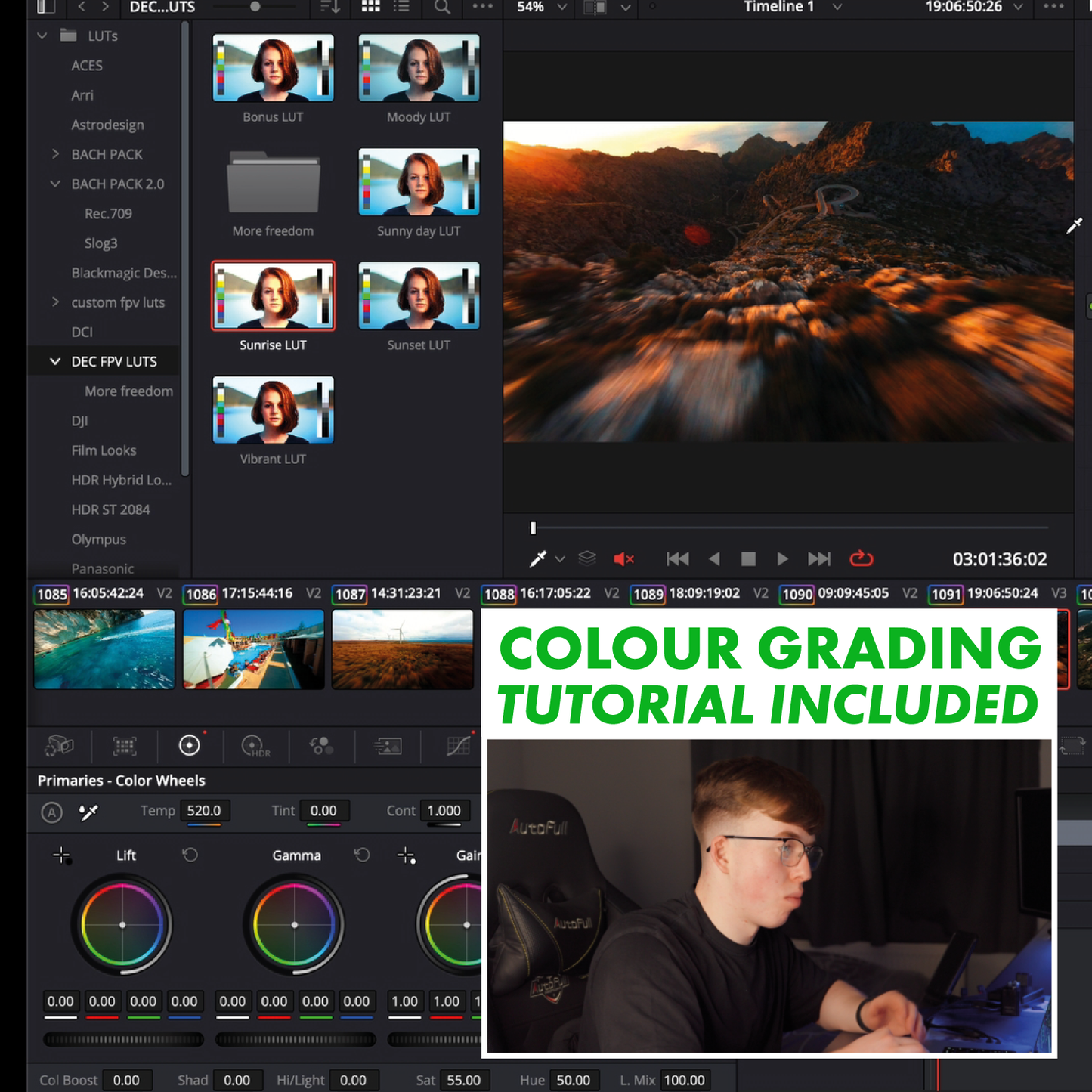


See The LUTs in Action

See the Difference for Yourself


Instant Download
Easy to Use
Trusted by 5000+ Creators
Tutorial Inclulded
Instant Download
Easy to Use
Trusted by 5000+ Creators
Tutorial Inclulded
Instant Download
Easy to Use
Trusted by 5000+ Creators
Tutorial Inclulded
Instant Download
Easy to Use
Trusted by 5000+ Creators
Tutorial Inclulded
Instant Download
Easy to Use
Trusted by 5000+ Creators
Tutorial Inclulded
Instant Download
Easy to Use
Trusted by 5000+ Creators
Tutorial Inclulded
Instant Download
Easy to Use
Trusted by 5000+ Creators
Tutorial Inclulded
Instant Download
Easy to Use
Trusted by 5000+ Creators
Tutorial Inclulded
Instant Download
Easy to Use
Trusted by 5000+ Creators
Tutorial Inclulded
Instant Download
Easy to Use
Trusted by 5000+ Creators
Tutorial Inclulded
Frequently Asked Questions
What software do these LUTs work with?
They work with all major video editors that support .cube files, including:
- DaVinci Resolve
- Adobe Premiere Pro
- Final Cut Pro X
- Sony Vegas
- CapCut Desktop
- LumaFusion
If your editor accepts LUTs, these will work.
Are these LUTs compatible with GoPro and DJI cameras?
Yes, the pack is optimised for:
- GoPro (Hero 9–12)
- DJI Action cameras
- DJI FPV / Avata footage
- Any FPV quad with a mounted action cam
They also work with most other camera brands. You may just need slight exposure/tint tweaks depending on your camera’s profile.
Are the LUTs beginner-friendly?
100%. Each LUT is plug-and-play. Just apply it and adjust intensity to your taste.
You also get a full tutorial explaining:
- Best camera settings
- Best exposure levels
- How to get consistent colours in any lighting
How do I download my LUTs after purchase?
Immediately after checkout, you’ll receive:
- A download link on the order confirmation page
- A backup download link sent to your email
If you don’t see it, check your spam folder or contact us.
What if I’m not familiar with colour grading?
No problem, each LUT is designed to look good instantly.
You only need to adjust:
- Exposure
- White balance
- LUT intensity
And you’re set.